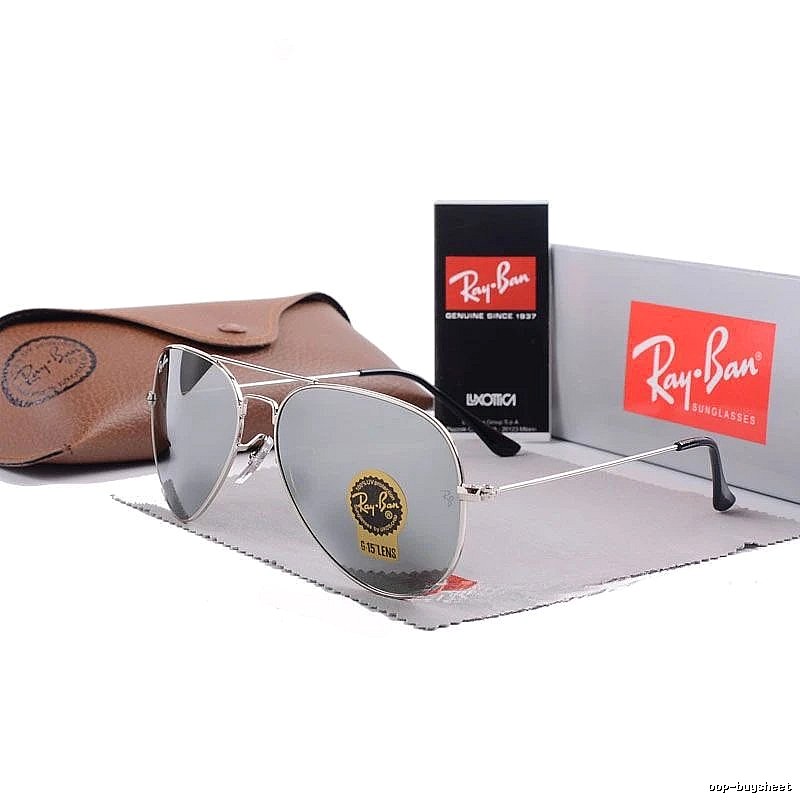
$15.84
→OopBuy Spreadsheet supports OopBuy agent list creation, OopBuy shopping list sharing, and team order management for better collaboration.
Fresh index
$15.84
→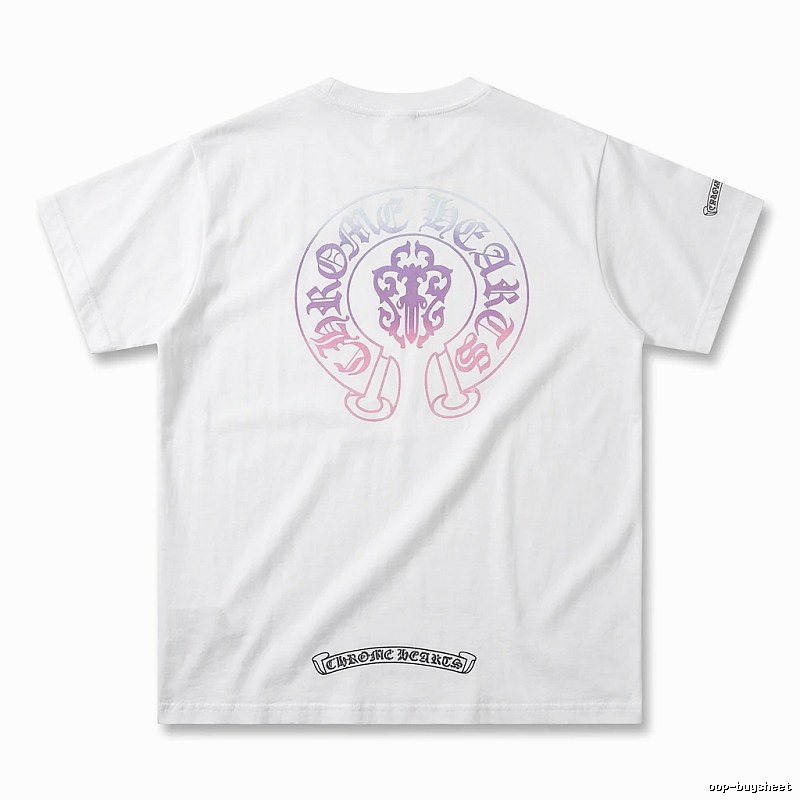
Chrome Hearts
$17.52
→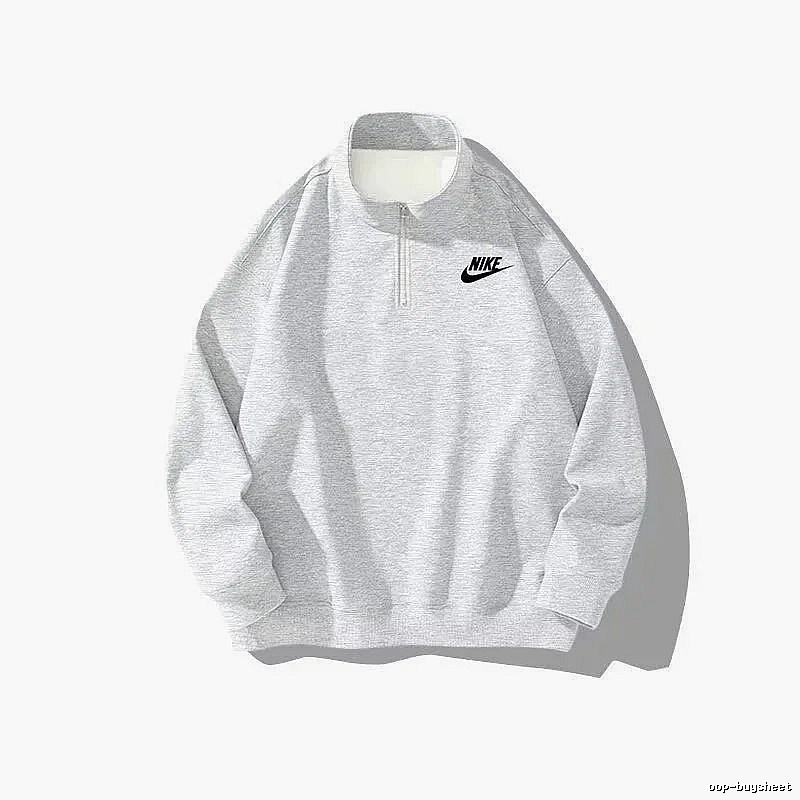
$15.84
→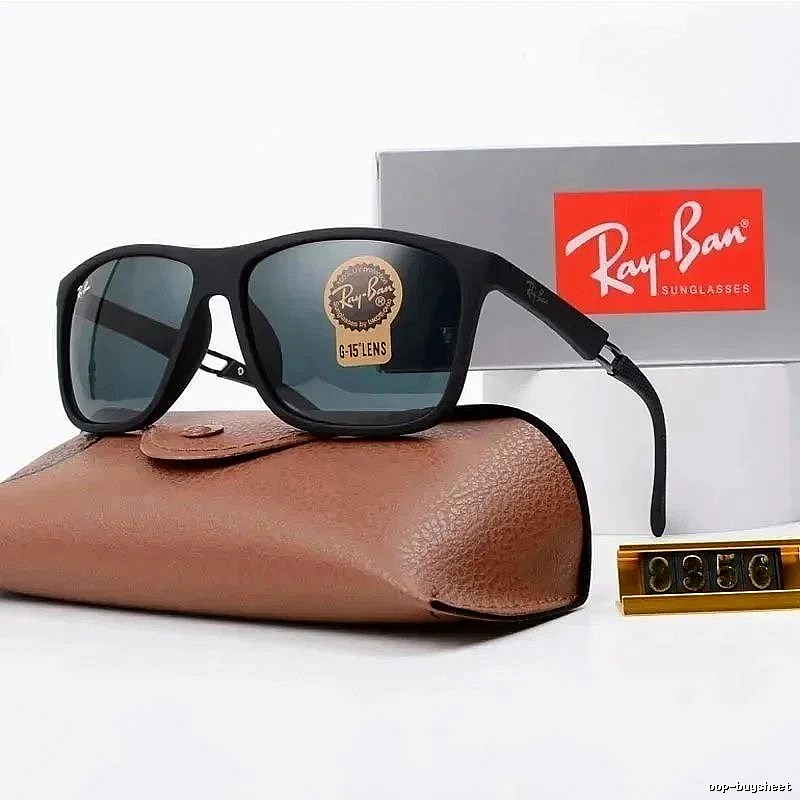
$23.20
→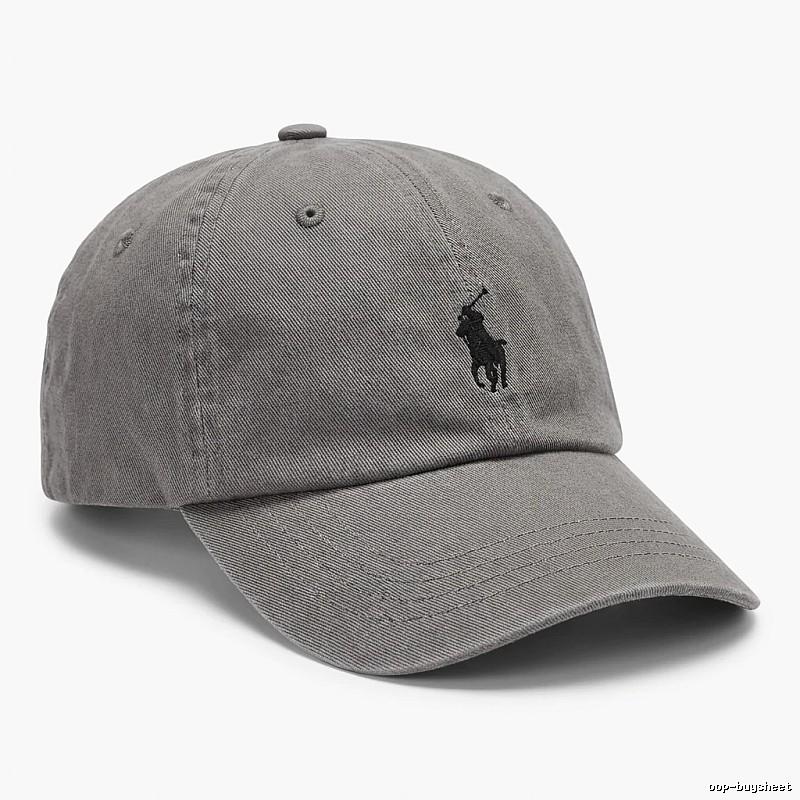
Ralph Lauren
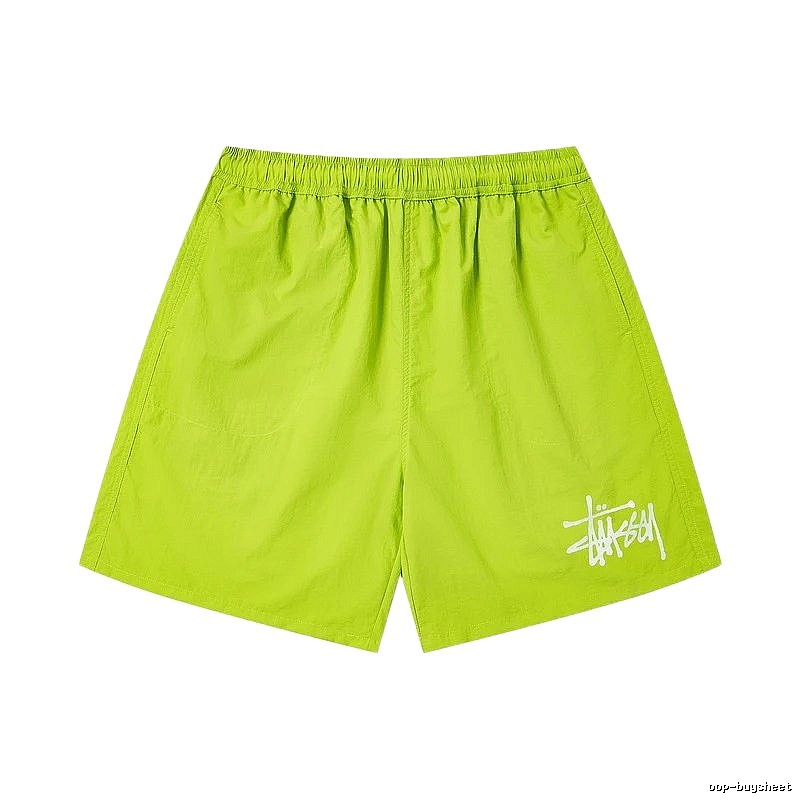
$15.00
→
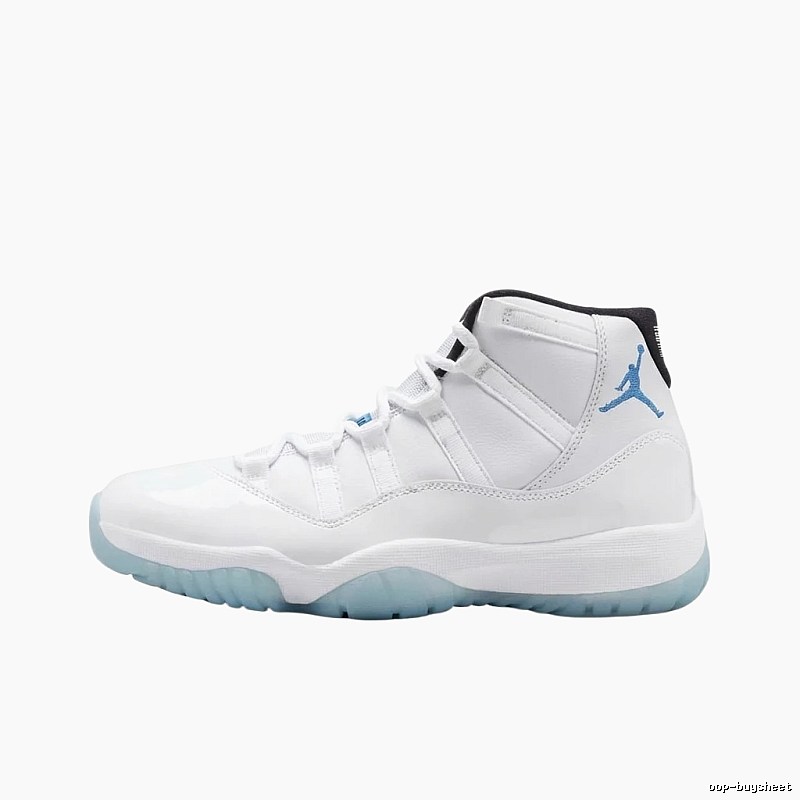
$26.60
→
$34.58
→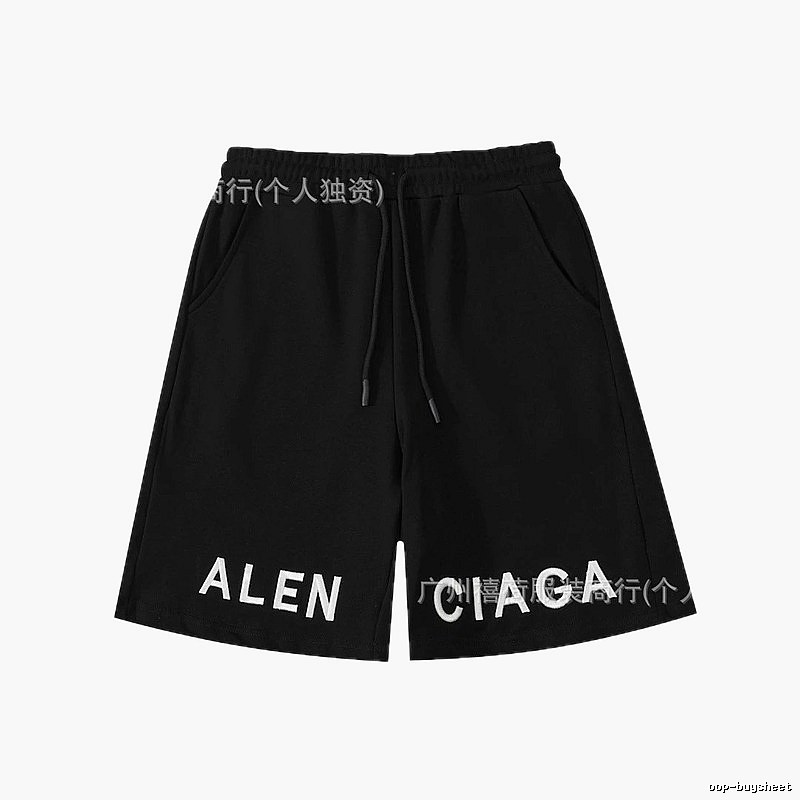
Balenciaga
$28.06
→Oopbuy ordering method on oop-buysheet.com: do not rush to consolidate
Warehouse confirmation is important in the Oopbuy process. oop-buysheet.com can help you find product links and QC references first, but the real decision of whether to ship should wait until Oopbuy warehouse photos appear. Beginners are often in a hurry. As soon as something reaches the warehouse, they want to consolidate and ship. Actually, this is when they should inspect first.
When choosing products on this site, search by category or keyword first. If you see a style you like, open the QC photos. Seller images usually show the best angle, while warehouse photos are closer to the actual item. After finding the item you want, copy the link to Oopbuy and choose color, size, and version. If the product page has many strange options and you are not sure, do not pay first. Use the note to ask clearly if needed.
After payment, wait for the domestic seller to ship. During this stage, do not keep pushing; first check the order status. After the product reaches the Oopbuy warehouse, the platform will upload real photos. You need to confirm whether it is the same style, same color, and same size. For shoes, check the sole, toe, and label. For clothing, check the collar tag, print, and shoulder width. For bags, check hardware and stitching. Confirm first, then consolidate.
Consolidation is not always cheaper just because it is bigger. If the parcel becomes too large, volumetric weight may increase. Some routes may also become unavailable. Before international shipping, estimate the shipping fee and choose according to your budget. This site organizes Oopbuy links and QC references so you can judge the product before ordering, not wait until the warehouse to discover that you bought the wrong thing.
oop-buysheet.com is also suitable for filtering out links that look cheap but are troublesome. Some products have low prices but messy specifications, too few photos, or unclear options. They are not necessarily easier to buy. When looking at items on this site, prioritize links with more QC photos, clearer details, and simpler specifications. For the first order, do not necessarily chase the lowest price; chase a smooth process first. Once you understand Oopbuy warehouse photos and shipping routes, then try more complicated products. The worst first order is a link with messy specifications, because every later step requires guessing.
Oopbuy notes should be written like instructions for a stranger. Do not write words that only you understand, such as "that gray one" or "normal size." The Oopbuy agent sees the order, not the picture in your mind. Notes should include color, size, version, and packaging requirements. This wording is plain, but useful. Agent buying is not casual chatting; the more complete the information is, the less likely mistakes are.
Before payment, pause. When you see a low-price link on oop-buysheet.com, stop and read the options clearly. Many low prices come from different versions, not a discount on the same item. Oopbuy can help you purchase, but it will not explain why the price is low. You can choose low prices, but you should know where the low price comes from. If the product options themselves are unclear, do not complete the order by guessing. It is safer to change to a clearer link. Do not rush; look again.
Directory
Visual match
Find products when titles or translations are unclear.
Guides
Short tips on agents, QC, and checkout routes.
Brands
Jump from brand pages into matching products.